

Appearance
Global Search
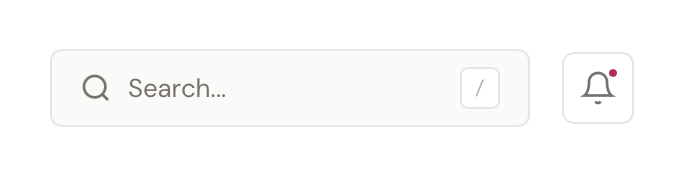
BridalOp's global search lets you find anything in your boutique — customers, orders, products, appointments, gift cards, staff, and more — from a single search bar. It's always accessible from the header on every page.
Opening Search
There are three ways to open the search palette:
| Method | How |
|---|---|
| Click | Click the Search... bar in the top-right header |
| Keyboard shortcut | Press Cmd+K (Mac) or Ctrl+K (Windows) |
| Slash key | Press / from anywhere (as long as you're not typing in a form field) |
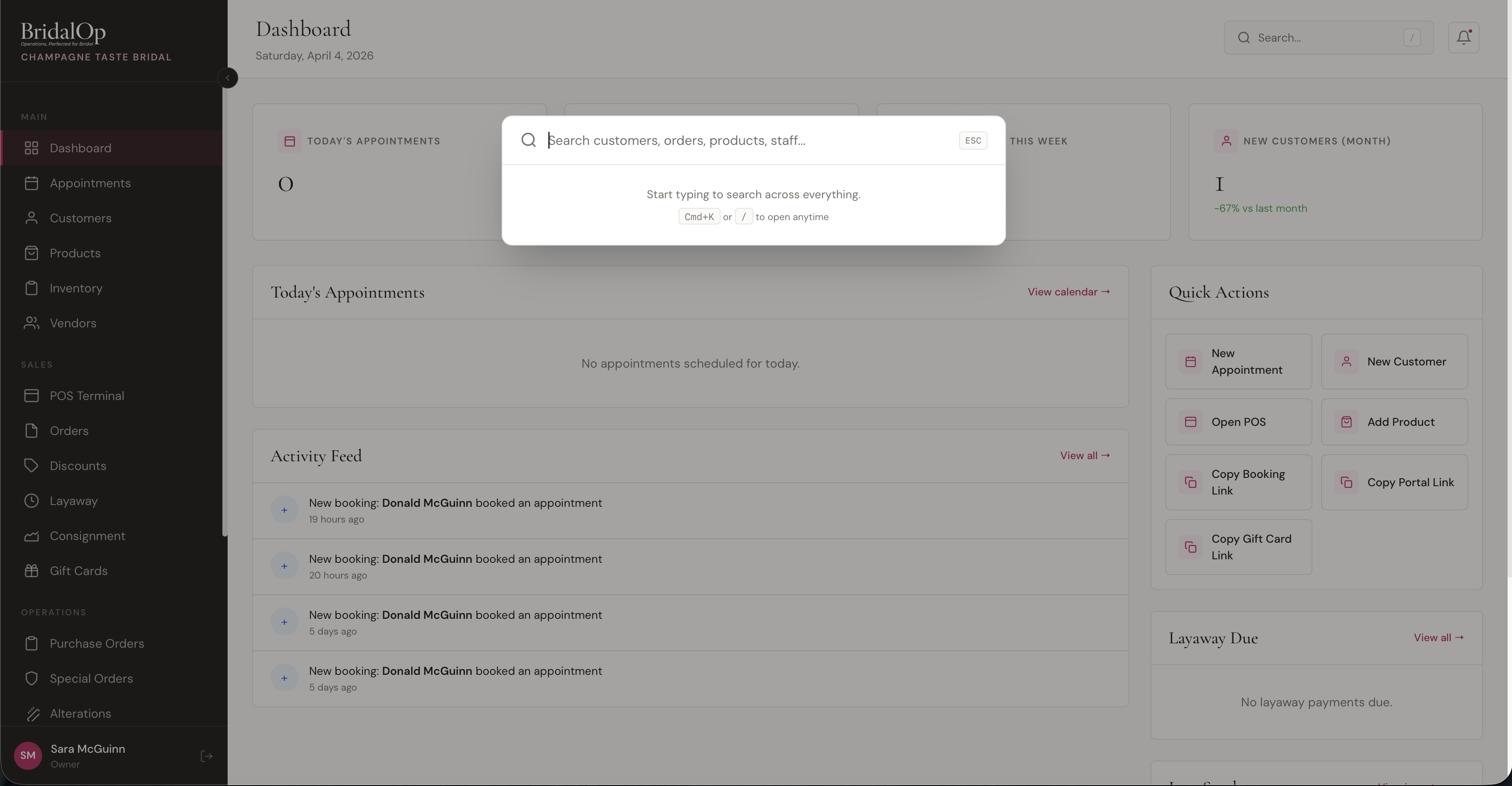
Press Esc to close the palette at any time.
Searching
Start typing to search across everything. Results appear instantly as you type, grouped by category.
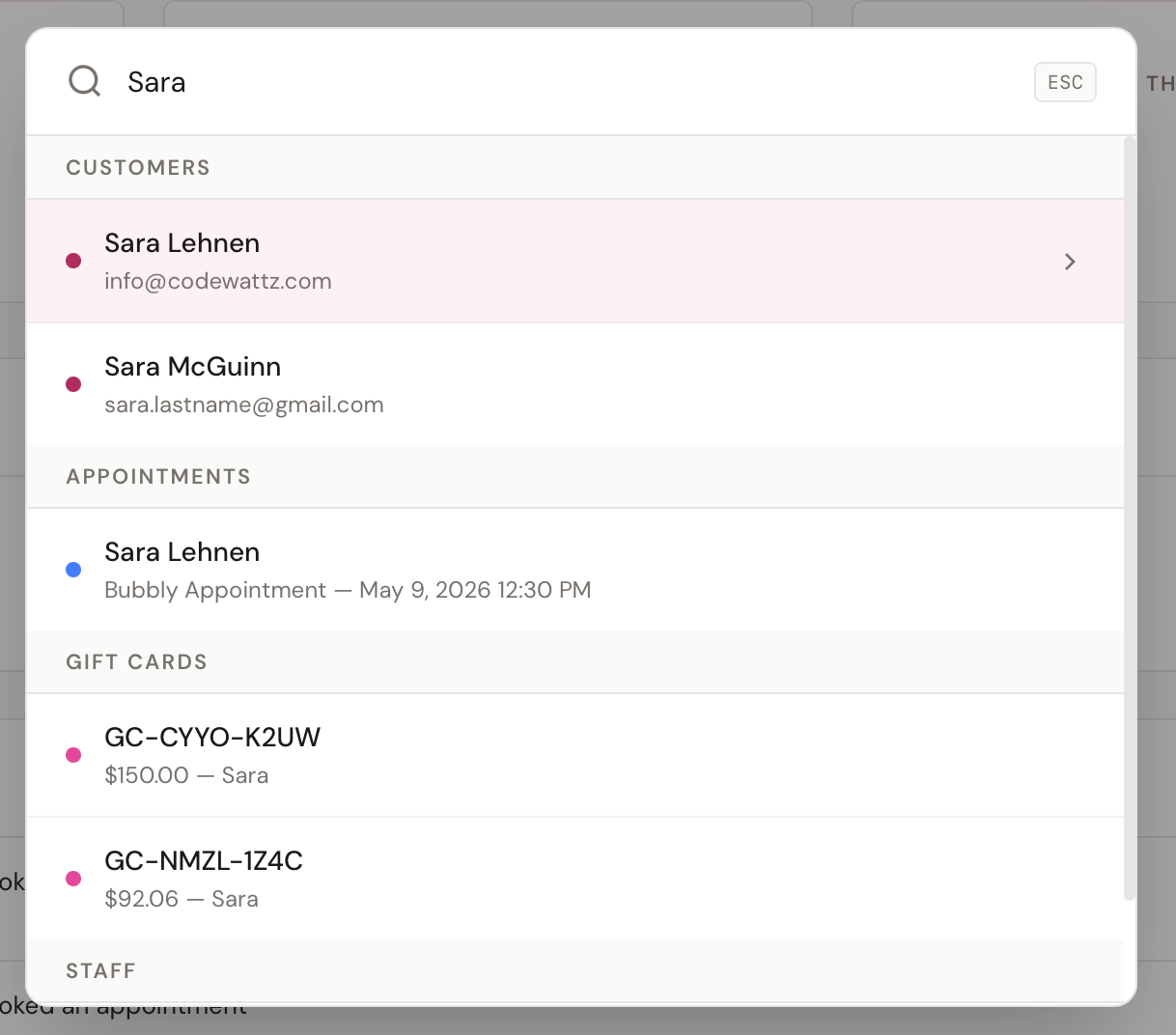
Results are organized into sections:
| Category | What's Searched | Result Shows |
|---|---|---|
| Customers | Name, email, phone | Customer name + email or phone |
| Appointments | Customer name, appointment type, date | Customer name + type and date/time |
| Orders | Order number, customer name | Order number + customer name and total |
| Special Orders | SO number, style number, vendor order number, customer name | SO number + customer name |
| Layaway | Order number, customer name | Order number + customer name |
| Products | Name, SKU, style number | Product name + SKU and style |
| Inventory | Barcode | Barcode + product name and status |
| Purchase Orders | PO number, vendor name | PO number + vendor and status |
| Gift Cards | Code, purchaser/recipient name or email | Gift card code + balance and name |
| Vendors | Vendor name | Vendor name |
| Staff | Name, email | Staff name + email |
| Discounts | Name, code | Discount name + code and value |
| Alterations | Customer name | Customer name + status |
Each result has a colored dot on the left to help you quickly identify the resource type.
Navigating Results
- Click any result to go directly to that resource
- Arrow keys (↑ ↓) to move through results
- Enter to open the highlighted result
- Esc to close without navigating
The currently highlighted result shows a light pink background and an arrow on the right.
Tips
- You only need to type 2 characters to start seeing results (3 for inventory barcodes)
- Up to 5 results are shown per category
- Search matches anywhere in the field — typing "smith" will find "Jane Smith" and "Smithfield Bridal"
- You can search by order number, gift card code, PO number, or barcode directly