

Appearance
Email Marketing Integrations
Connect BridalOp to the email marketing platform you already use. When you add or update a customer, their contact info and tags are automatically pushed to your connected platform — so your email lists stay in sync without manual exports.
Go to Settings > Email Marketing to manage your integrations.
Available Integrations
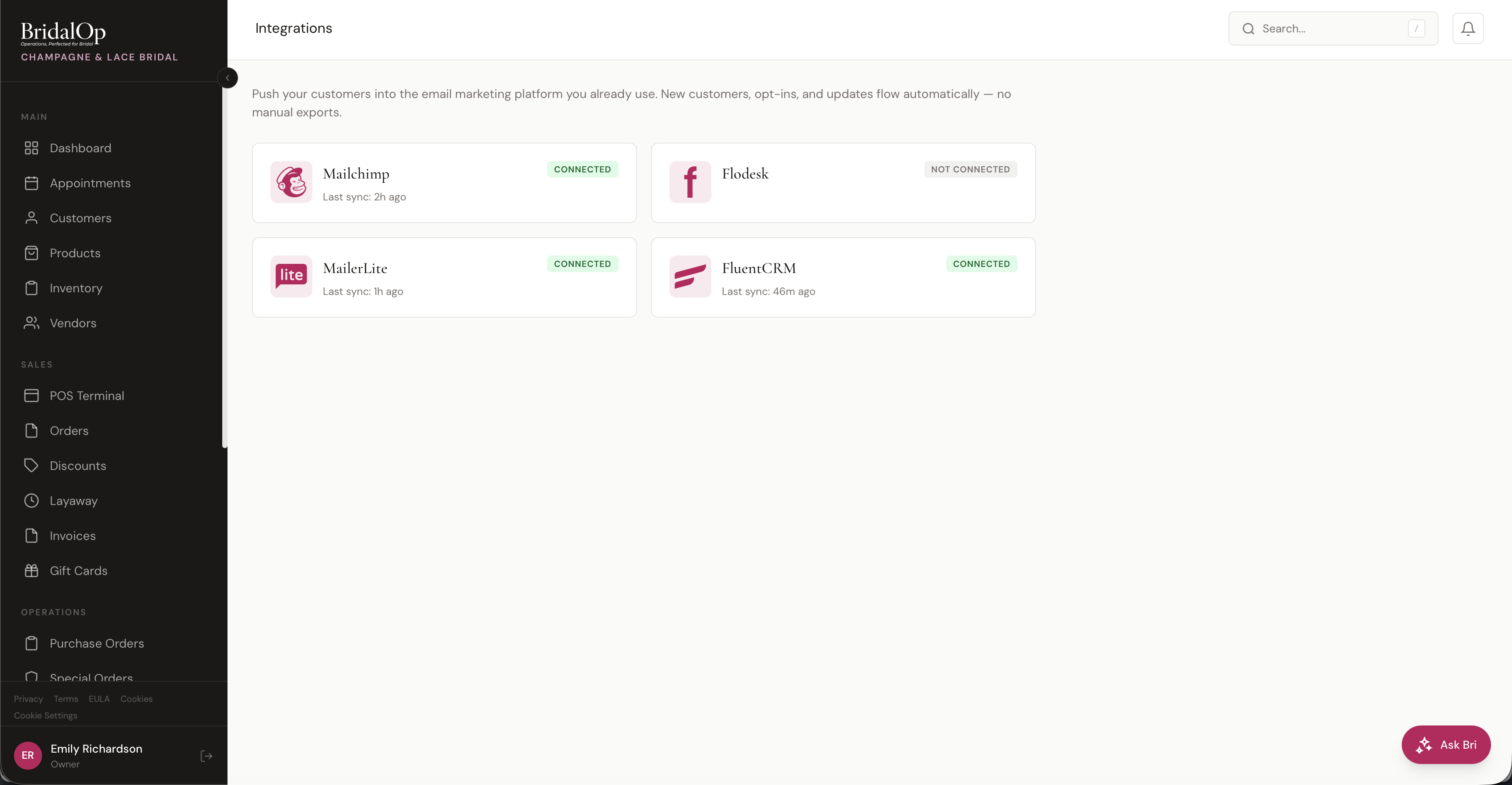
BridalOp supports five email marketing and CRM platforms. Each integration has its own connection process and sync behavior — click the platform below for detailed setup instructions.
- Mailchimp — sync customers to a Mailchimp audience with native tag support
- MailerLite — sync customers to a MailerLite group with custom fields
- Flodesk — sync customers to a Flodesk segment
- FluentCRM — sync customers directly to your WordPress site running FluentCRM
- Klaviyo — sync customers to a Klaviyo list as profiles, and pull leads in from your Klaviyo flows
Connection Status
Each integration card shows its current status:
- Connected (green) — ready and syncing, with last sync time
- Not Connected (gray) — not yet configured
Click any integration card to open its detail page, where you can connect, disconnect, configure the audience, or send a test contact.
How Syncing Works
All integrations work the same way at a high level. When a customer is created or updated in BridalOp, their information is automatically pushed to any connected integration within seconds. This includes changes to email, name, phone, wedding date, event type, source, location, or marketing opt-in.
Only customers with marketing opt-in enabled are synced. Customers without opt-in are never pushed to external platforms.
For the full details on how syncing works — including the tags automatically added to every customer — see the Integrations Overview.
Klaviyo also supports inbound leads: point a Klaviyo flow's webhook at a private per-boutique URL and new leads are created as BridalOp customers automatically. See the Klaviyo page for setup.
Enabling Modules
Email marketing integrations require their modules to be enabled from the Modules settings page. Once enabled, they appear on this page.
See the dedicated documentation for each platform for step-by-step connection instructions: